01
Image Adjust
Crop, set the final size and DPI, tune the image, and export an engraving-ready grayscale file while keeping the original untouched.

 DepthGraver
Built for laser makers
DepthGraver is laser image-preparation software. Turn photos, artwork, and STL models into usable files for LightBurn and other laser-control software, with live depth-map adjustments and image preparation on your device.
Windows 11 (64-bit) or Apple silicon macOS 14+. One payment, two desktop activations. 14-day refunds; continued use of the delivered version.
Free download for iOS 17+. Unlock the Full Plan with a one-time in-app purchase ($19.99 in the US store). Apple manages this purchase separately from the desktop license.
 STL → DEPTHLOCAL PROCESSING
STL to depth map
Interactive preview · Export requires the desktop app.
Binary or ASCII · Up to 128 MiB
1,000,000 triangles maximum. Files stay on your device.
Linked STL and grayscale previews. Drag the blue model to orient both views. Zoom the depth map to inspect detail. Your STL is processed entirely in your browser and is never uploaded.
Purchase and install DepthGraver for Windows or Mac, then open your STL in the desktop app to export. No PNG export is available here.
Workshop suite
Crop, set the final size and DPI, tune the image, and export an engraving-ready grayscale file while keeping the original untouched.
Import an STL and adjust its aspect in real time, with controls for a personally tuned grayscale depth map.

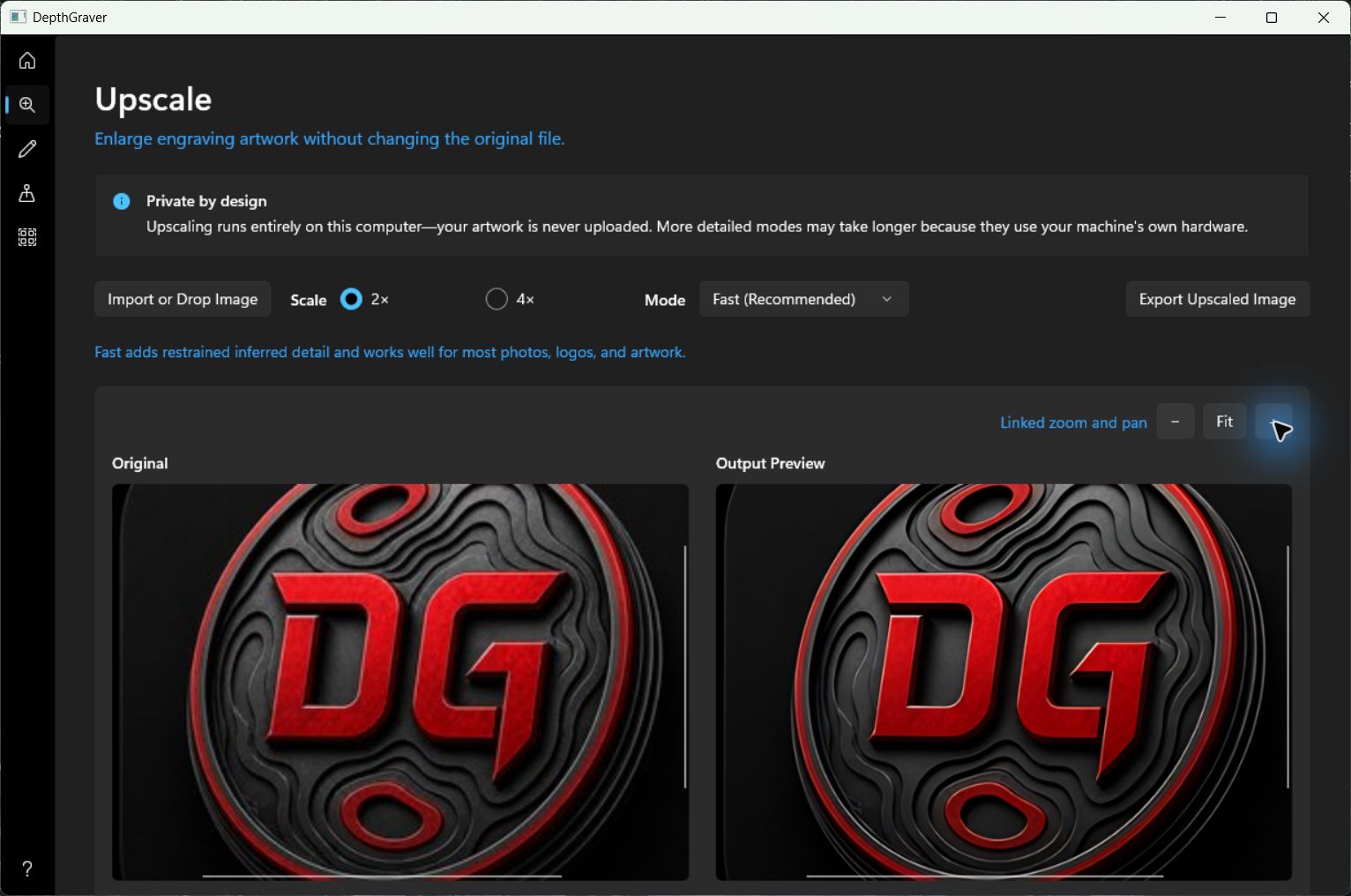
Enlarge small raster artwork by 2× or 4× while preserving the look of the source.
Zoom, inspect, and trace logos, handwriting, silhouettes, and line art into SVG, DXF, or vector PDF for use in LightBurn and other laser-control software.

Around the shop
DepthGraver handles the repetitive conversion steps that tend to interrupt a laser workflow.
Crop out distractions, set the finished size and DPI, then tune the tones before it reaches your engraving software.
Turn a raster reference into an editable vector instead of redrawing it by hand.
Convert an STL into a grayscale depth map without taking a detour through a full CAD or rendering package.
Upscale the source before final cleanup so you have more pixels to work with at engraving size.
Made to respect your work
Your imported models and images are processed on your device. No account is required, no analytics follow your work, and your source files are not uploaded to us.